
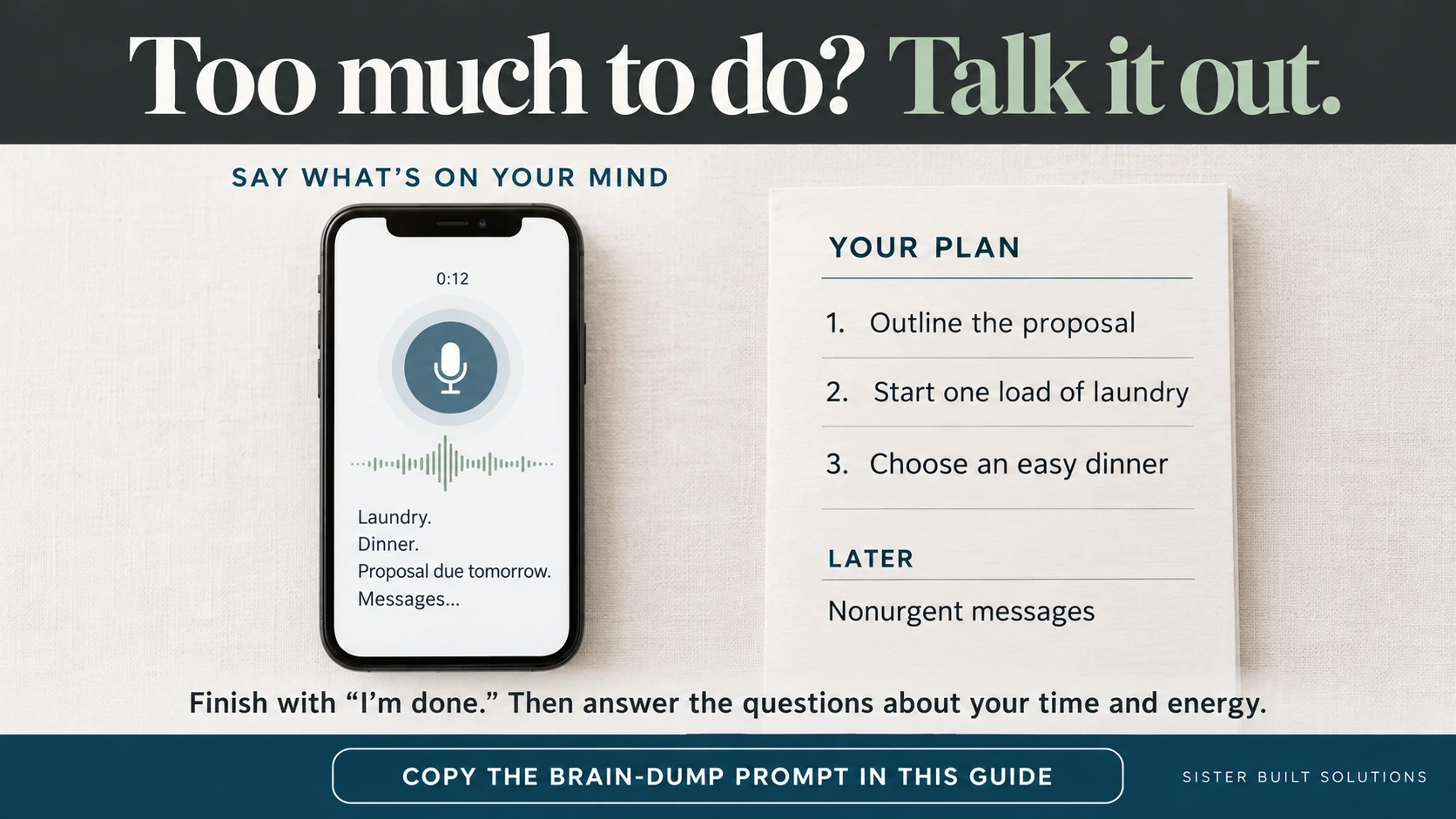
Sometimes the hard part is deciding where to start. Laundry, dinner, customer messages, a half-finished idea, and tomorrow's deadline can all feel equally urgent when they're competing for space in your head.
You don't need to organize those thoughts before asking for help. This prompt gives the chat a clear job: listen first, then help make a plan that fits your day.
Copy this prompt into a new chat
Help me turn a brain dump into a realistic plan.
Invite me to share my thoughts. Wait until I say ‘I’m done’ before organizing or giving advice.
Then:
- Separate tasks, ideas, reminders, and worries.
- Ask how much time and energy I have.
- Choose my top three priorities based on importance and confirmed deadlines.
- Break overwhelming tasks into small first steps.
- Build a manageable plan and put what can wait on a Later list.
Ask only essential questions, one at a time. Don’t treat every thought as a task or guess unclear deadlines. Keep the result short and easy to scan.
Talk through what's on your mind
After sending the prompt, type your thoughts or use ChatGPT's microphone for dictation. Dictation turns your recording into text you can review and edit before sending. It is different from a live Voice conversation.
Include real deadlines and fixed commitments. “The proposal is due tomorrow at noon” is more useful than “I need to do that proposal.” Finish with “I'm done,” check the transcribed words, and send the message.
Help it build a realistic day
Answer the follow-up questions about your time and energy. Tell it about interruptions or appointments that affect the plan. If you have 45 minutes, say so; an imaginary six-hour productivity sprint won't help.
Then review the priorities and first steps. A useful plan might start with outlining the proposal, choosing an easy dinner, and starting one load of laundry. That's an example, not a rule for everyone's day.
If the answer feels too ambitious, ask for a smaller version: “Make this workable with low energy and leave more room between tasks.”
Save this prompt for your next “where do I even start?” moment.
Source for dictation instructions: OpenAI: Voice Dictation FAQ. Verified October 11, 2026.